Step 1: Select Your Pickup & Return Date and Time
Choose the pickup and return date and time for your rental vehicle.
At SNA Auto Rental, we make renting a car in Orange County simple and convenient. Please review our location, directions, and business hours before completing your reservation.
After-hours pickup and drop-off are available by appointment only.
Step 2: Choose Your Rental Vehicle
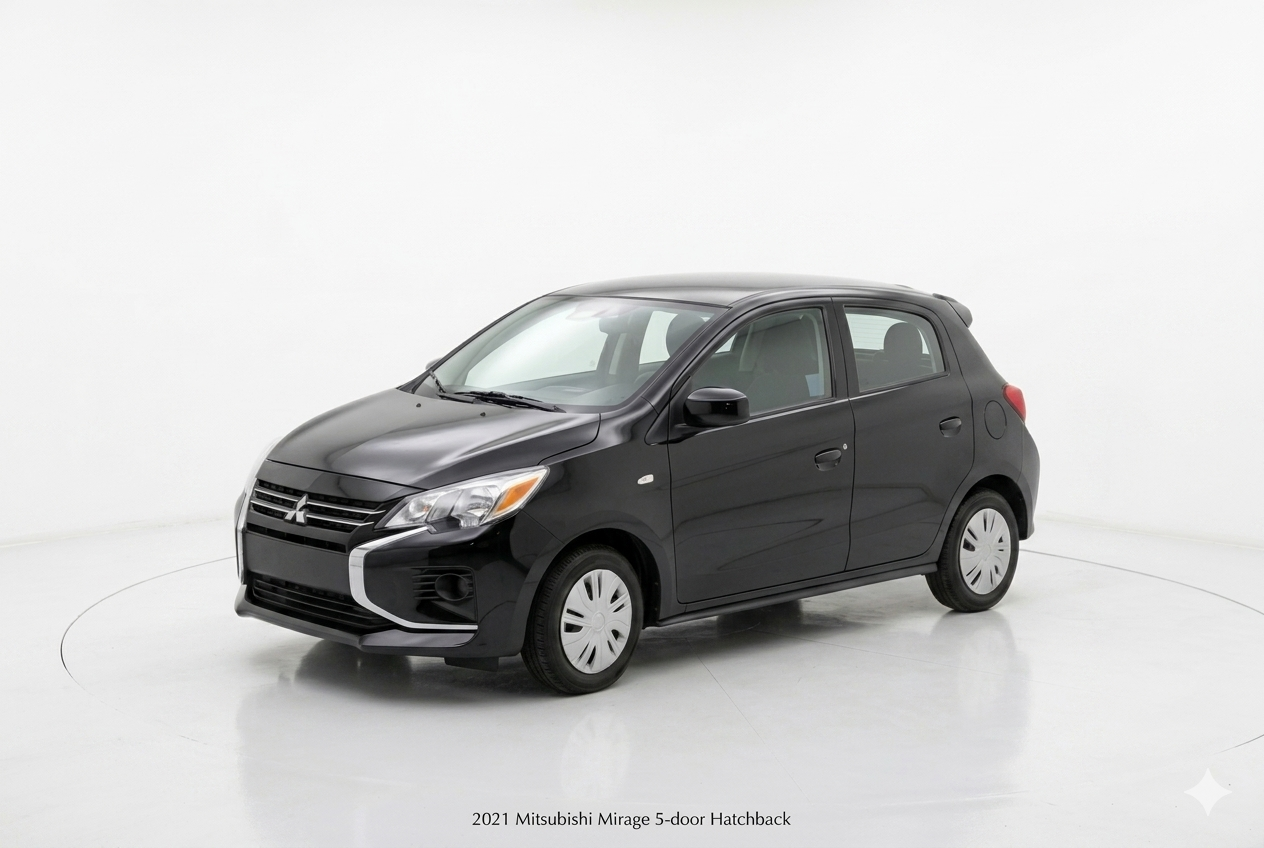
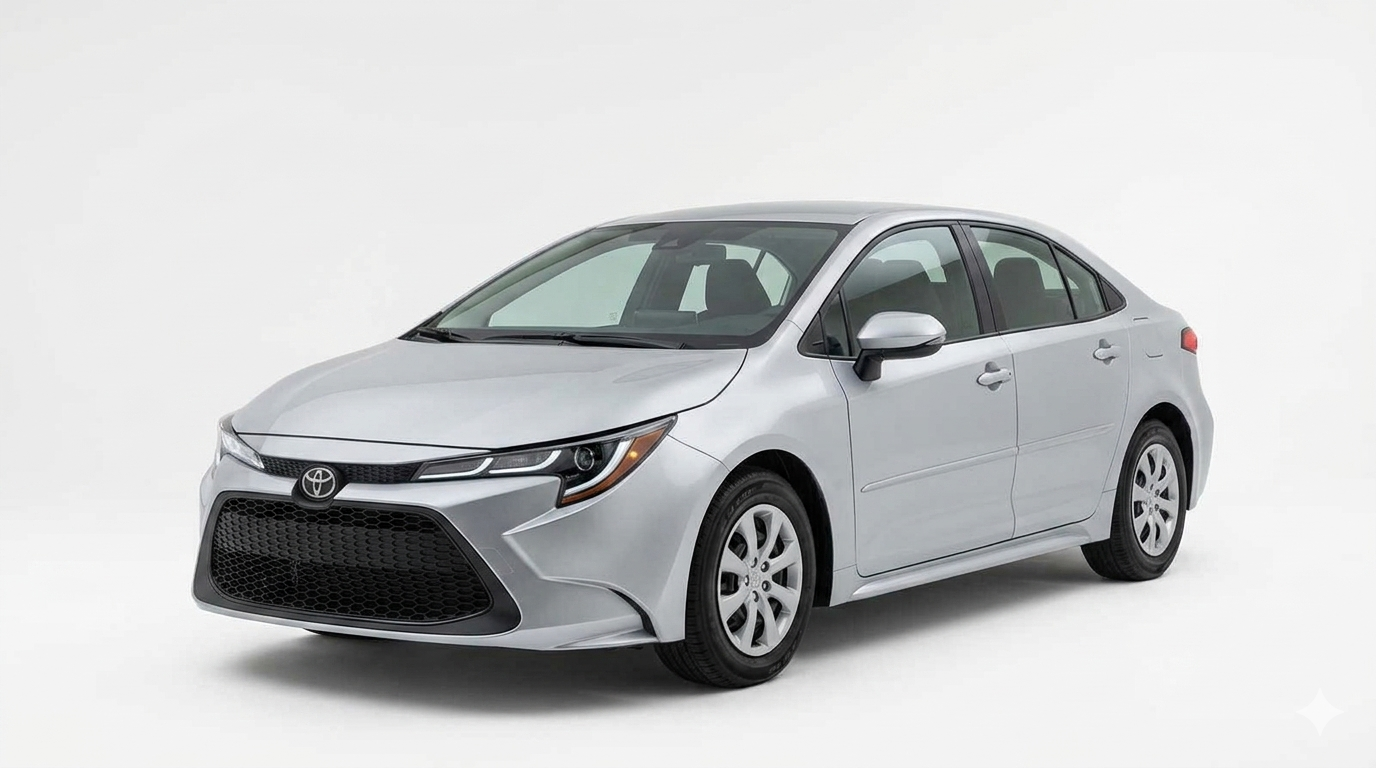
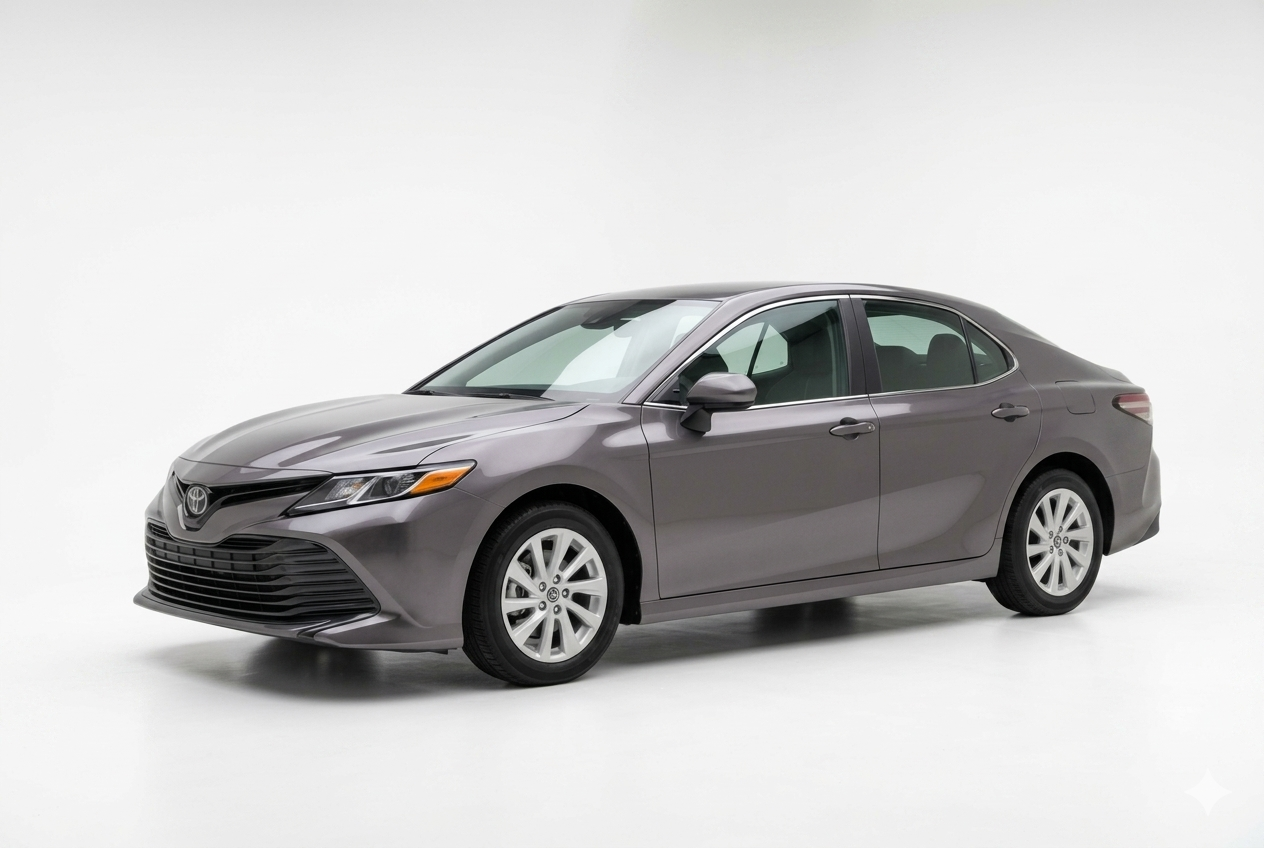
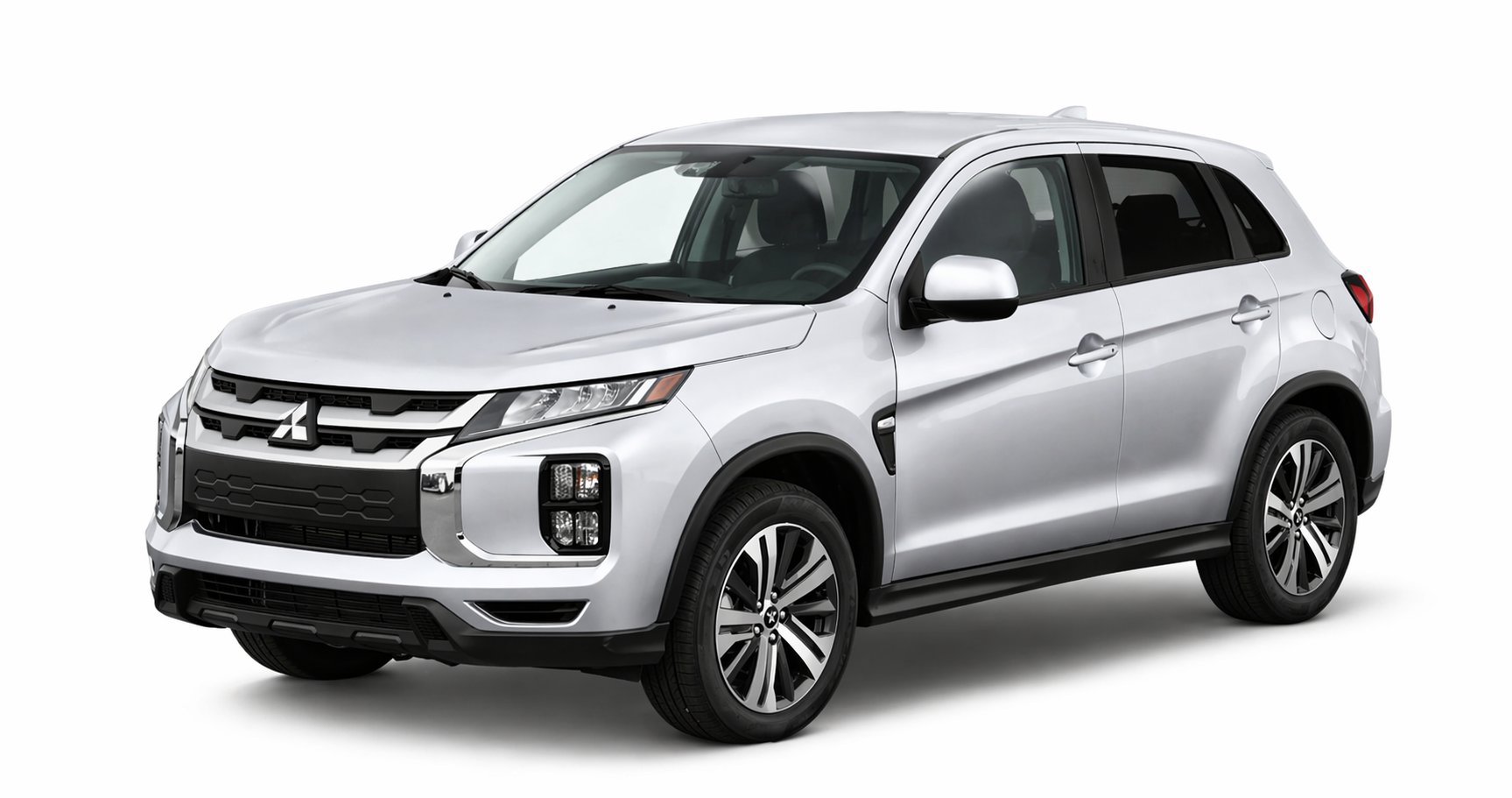
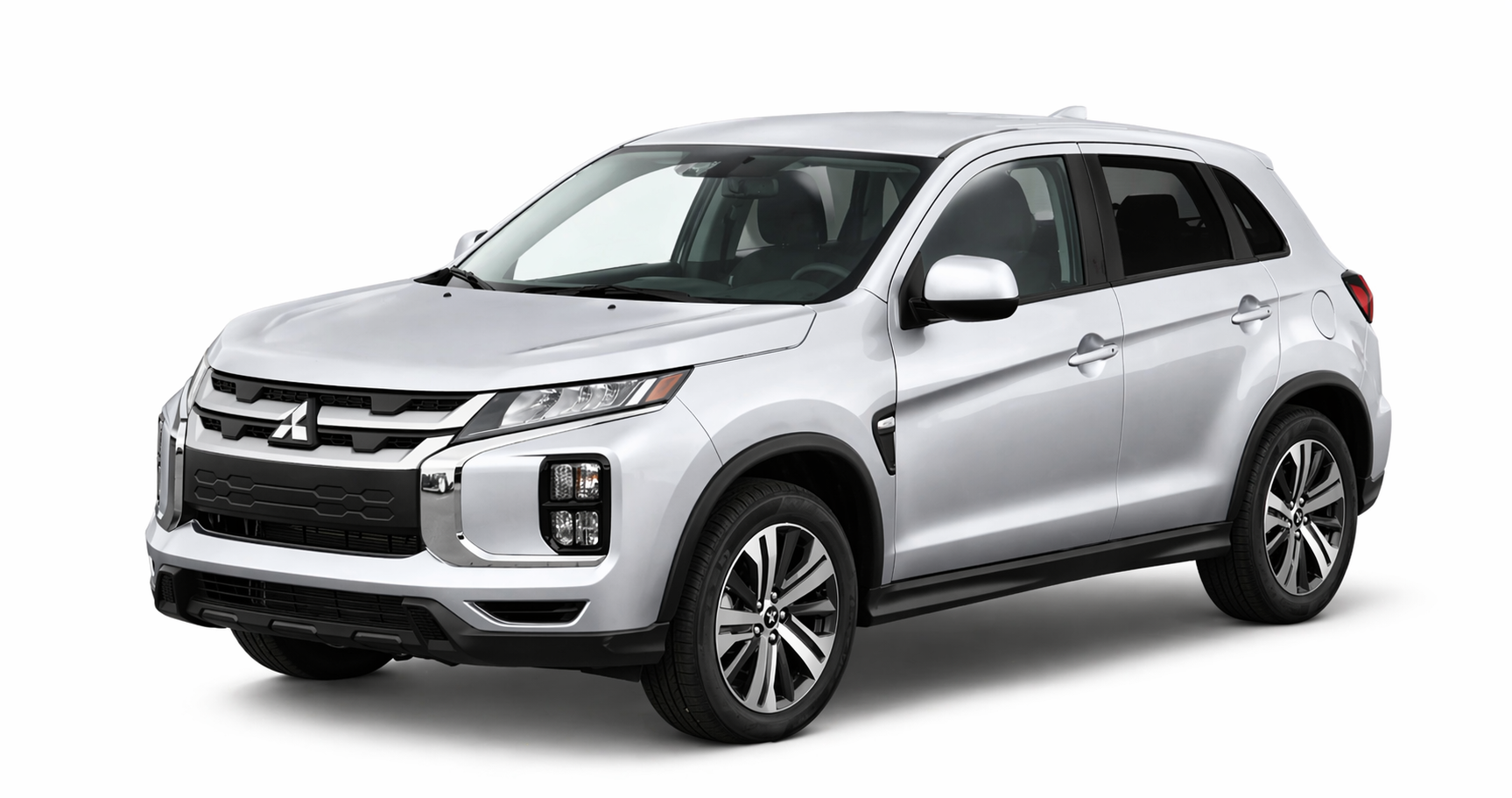
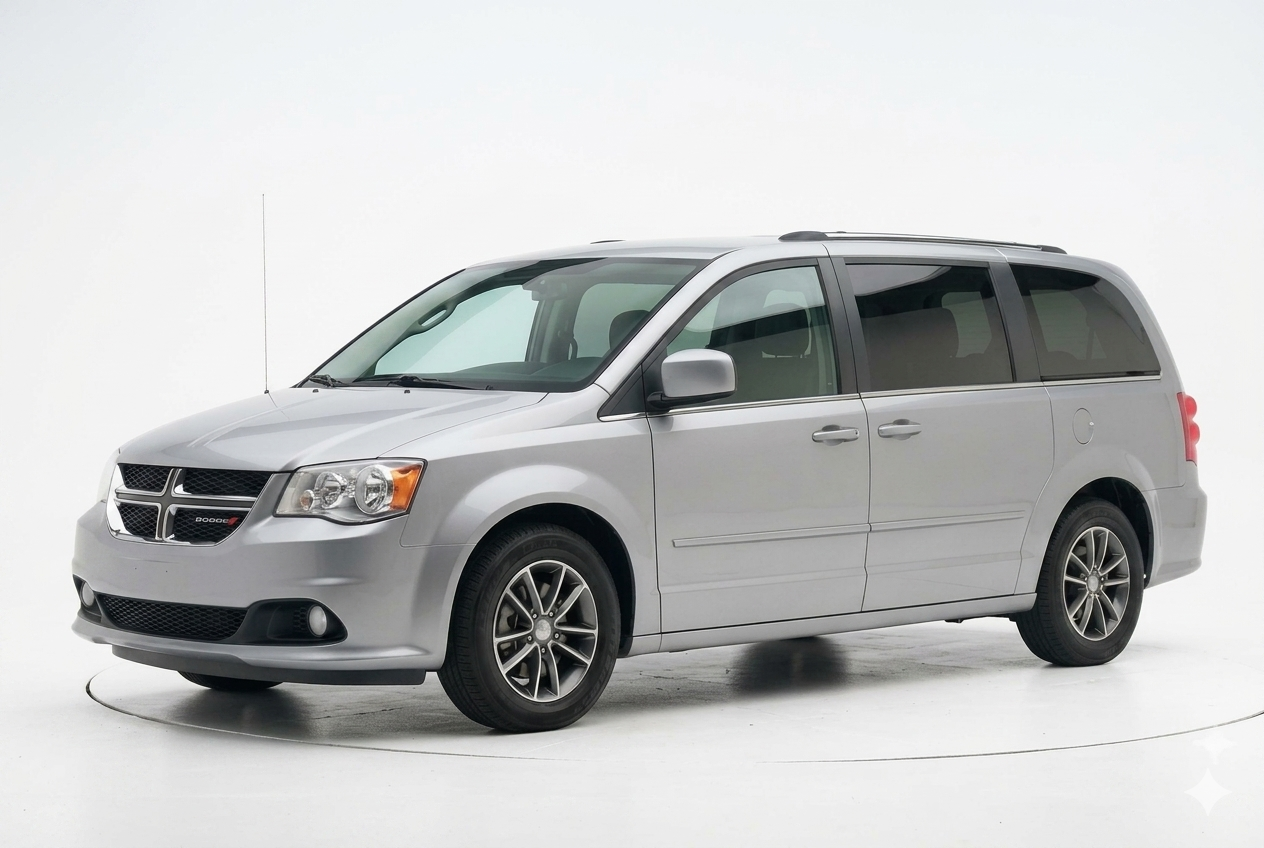
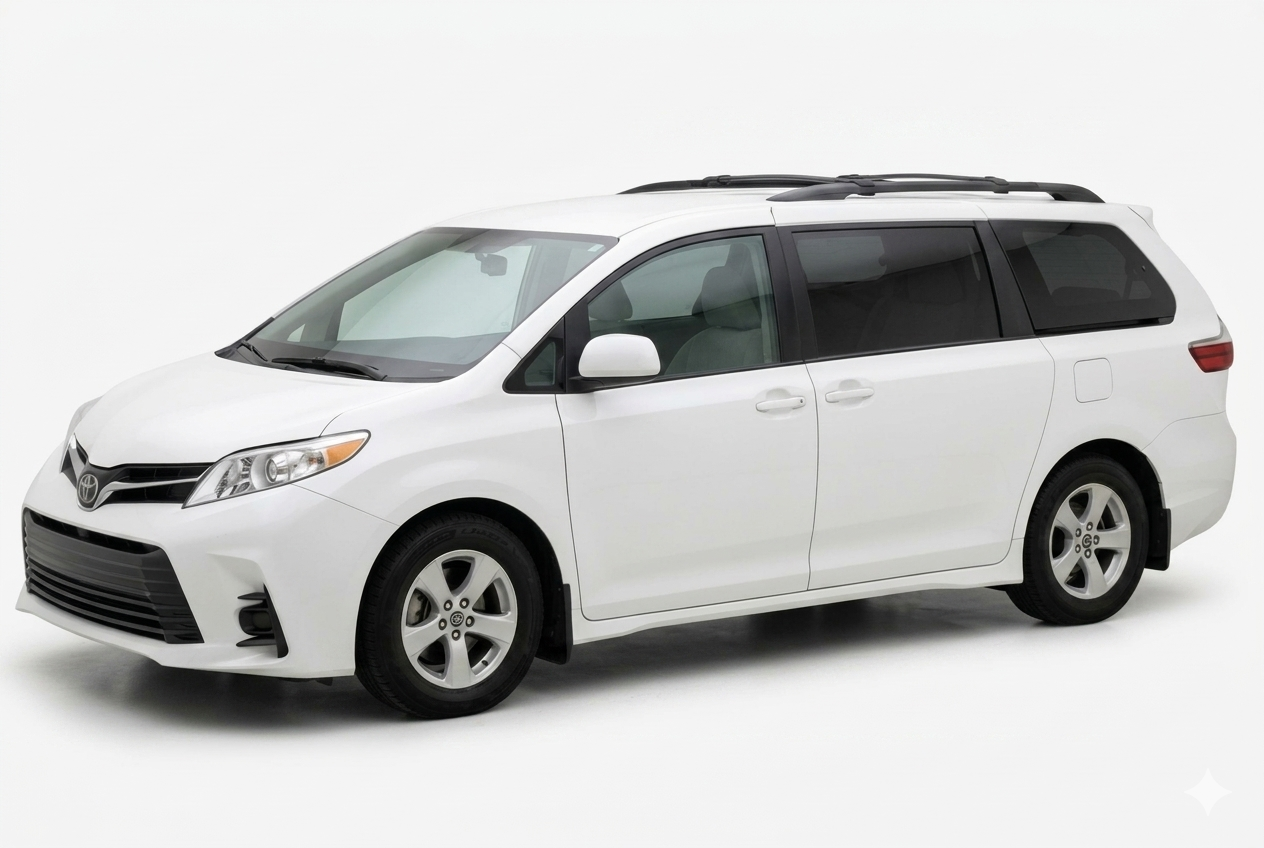
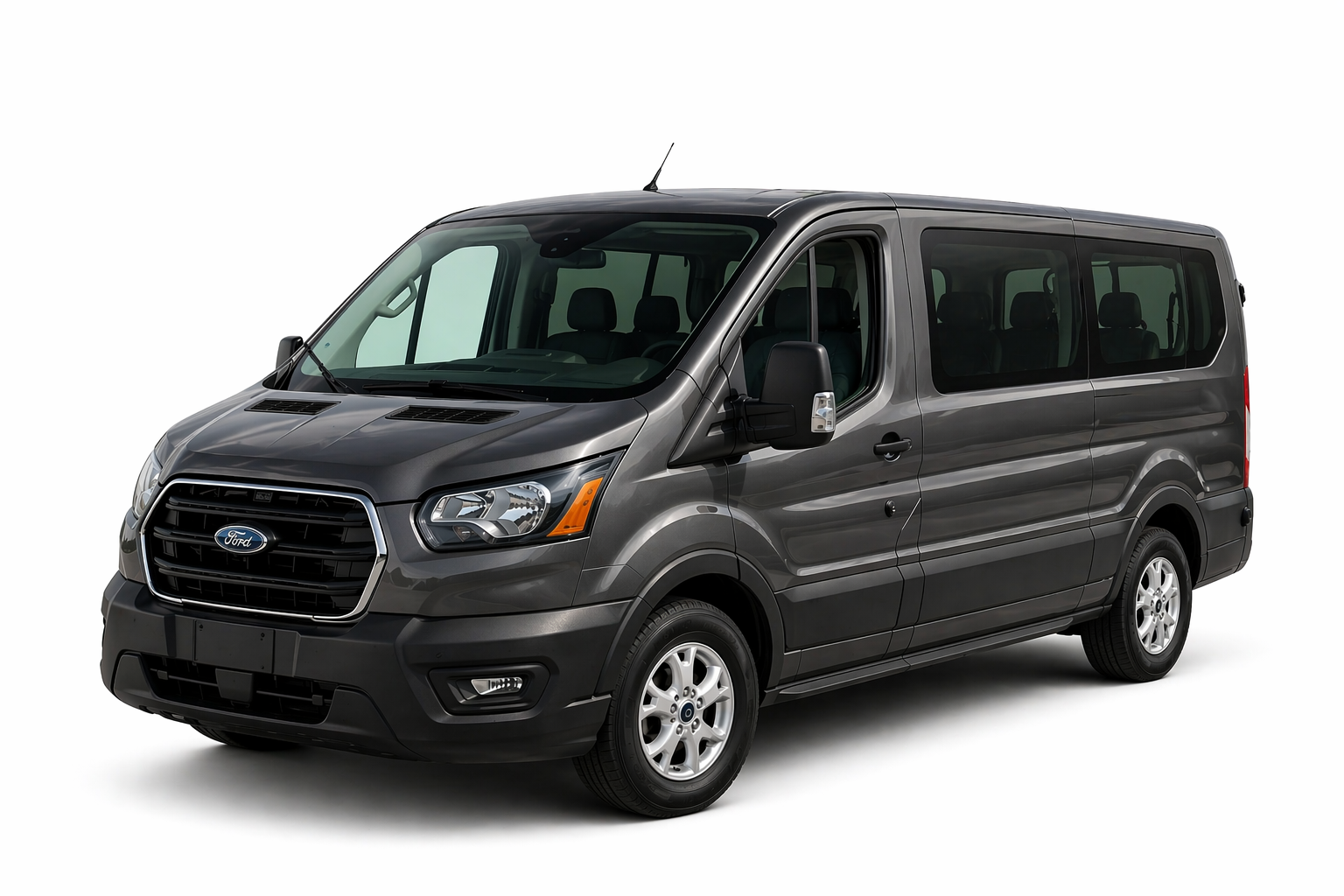
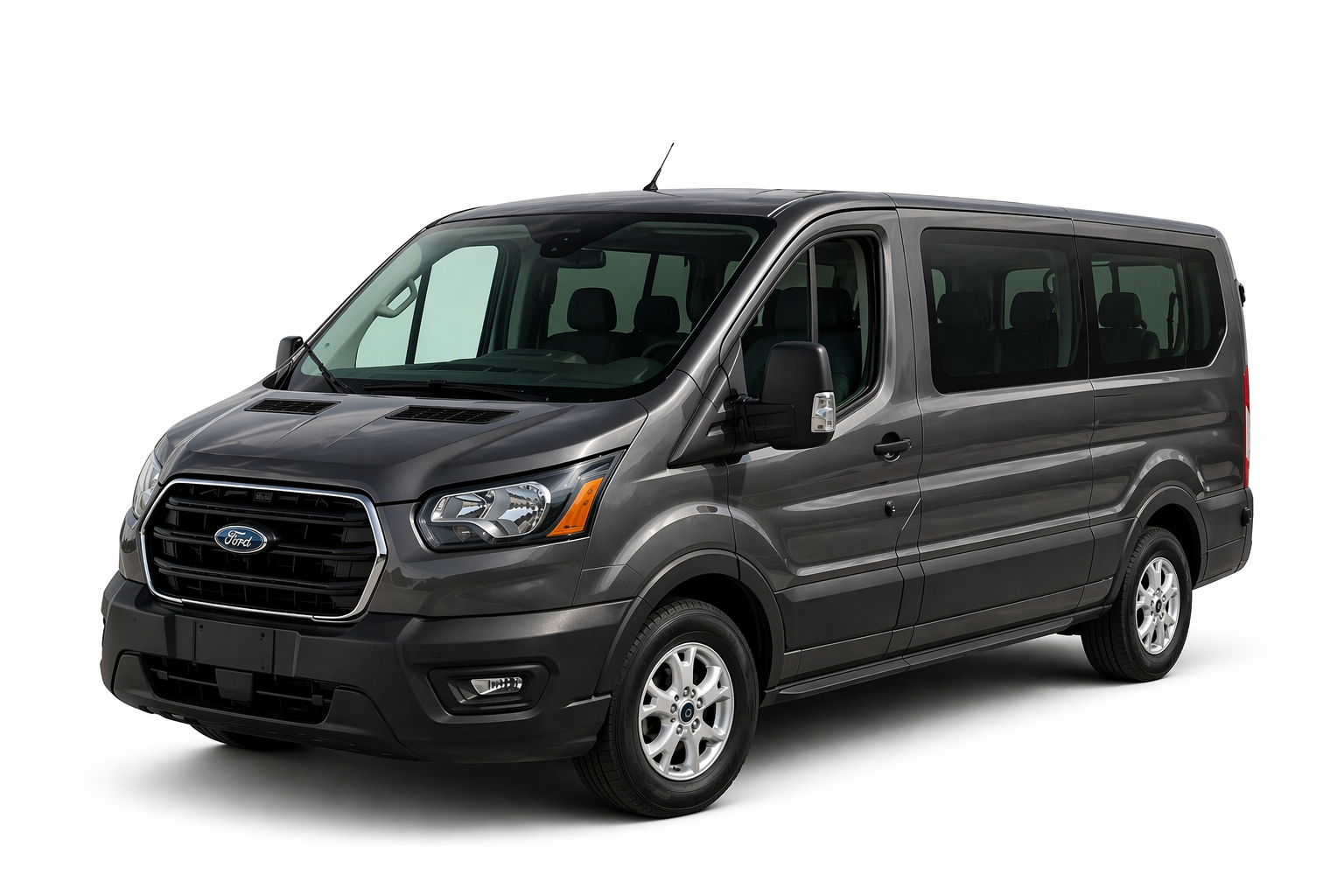
Select the vehicle that best fits your trip. Our fleet includes economy, compact, midsize and full-size cars, SUVs, minivans, convertibles, Jeep Wranglers, and 12- and 15-passenger vans.
Click on a vehicle to view additional details, including passenger capacity, luggage space, features, and rental information.
Need help choosing the right vehicle? Call us at (949) 251-0202, and our team will be happy to assist you. You can also contact SNA Auto Rental online.
Step 3: Select Optional Services & Coverage
Customize your reservation by selecting any additional services you may need.
Child Safety Seats & Booster Seats
Traveling with children? Child safety seats and booster seats are available upon request and subject to availability. Please select the appropriate child restraint based on your child’s age, height, and weight and applicable California requirements.
GPS Navigation
If you’re unfamiliar with Orange County or Southern California, GPS navigation is available upon request and subject to availability.
Protection & Coverage
Review the available protection and coverage options during the reservation process. Select the coverage that best meets your needs. All coverage is subject to the terms, conditions, limitations, and exclusions of your rental agreement.
Free John Wayne Airport (SNA) Pickup & Drop-Off
Flying into John Wayne Airport (SNA)? SNA Auto Rental offers FREE airport pickup and drop-off during applicable service hours.
When making your reservation, select the “Pick-up from the Airport” option. After your flight arrives and you have collected your luggage, please call us for shuttle pickup instructions.
Detailed airport pickup information will also be included in your reservation confirmation.
Step 4: Enter Your Information & Confirm Your Reservation
Enter your contact and reservation information carefully. Providing complete and accurate information allows our team to prepare your rental agreement before your arrival and helps make your vehicle pickup quick and easy.
Review your reservation details before submitting your reservation and keep your confirmation information for your records.
Need Help With Your Car Rental Reservation?
Our team is here to help. If you have questions about online reservations, vehicle availability, John Wayne Airport pickup, rental policies, or choosing the right vehicle, call SNA Auto Rental at (949) 251-0202 or contact us online.
You can also browse our complete Orange County car rental fleet to compare cars, SUVs, minivans, convertibles, Jeeps, and passenger vans.
Business Hours
Monday–Friday: 8:00 AM–8:00 PM
Saturday–Sunday: 9:00 AM–7:00 PM
After-hours pickup and drop-off are available by appointment only.